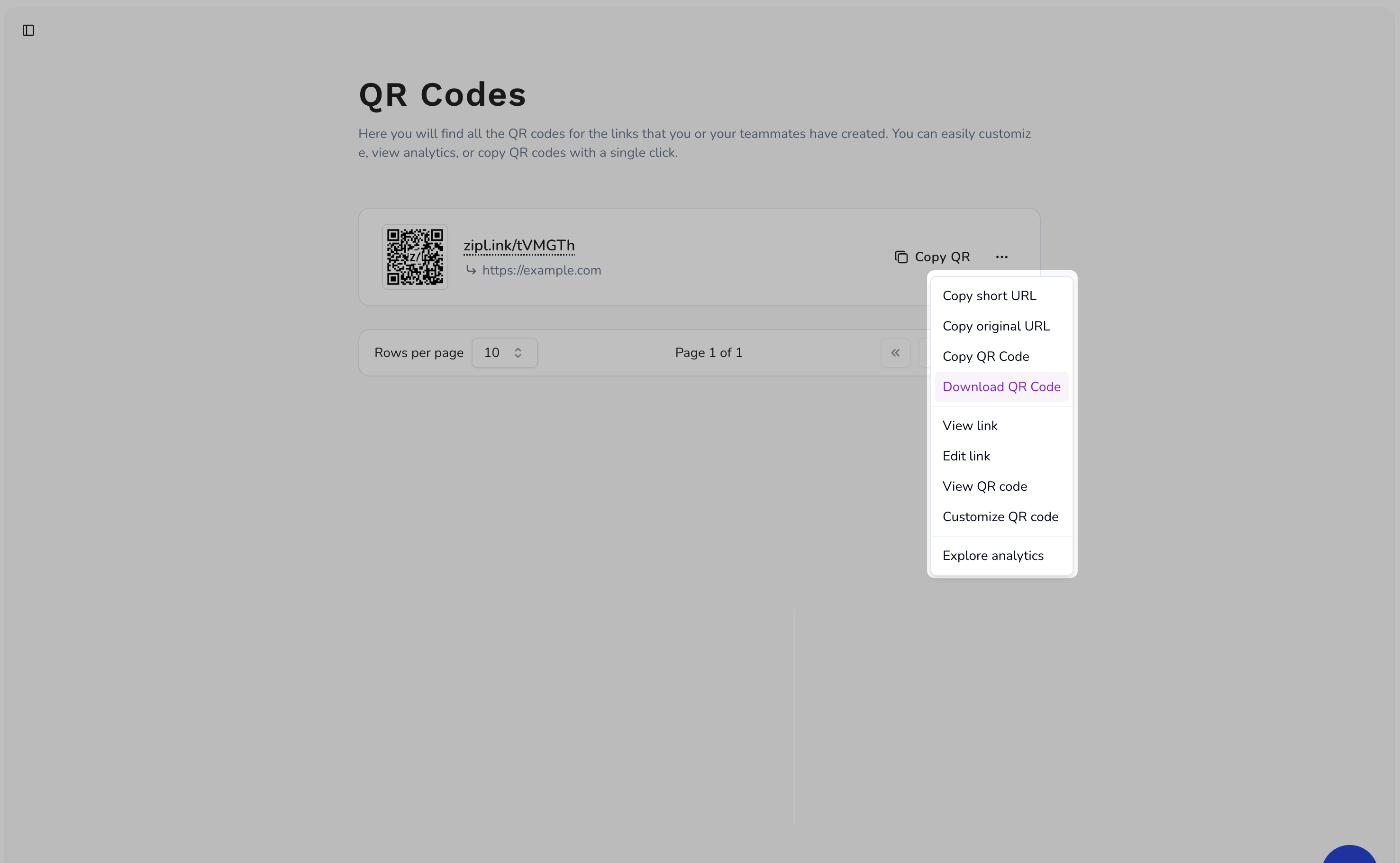
Downloading a QR code is a straightforward process. You can download the QR code image by clicking on the “Download QR Code” in the QR code list dropdown menu.Documentation Index
Fetch the complete documentation index at: https://docs.ziplink.click/llms.txt
Use this file to discover all available pages before exploring further.